If you’re a member of more than one organization, select your Organization.
Select Apps > Sites from the main navigation.
Select the appropriate site as listed.
The Cloud ID is listed after /s/ in your address bar. For example, if your URL is https://admin.atlassian.com/s/1a11d016-8984-4c3e-b9ab-142dd06acb1b/access-requests, your Cloud ID is 1a11d016-8984-4c3e-b9ab-142dd06acb1b.
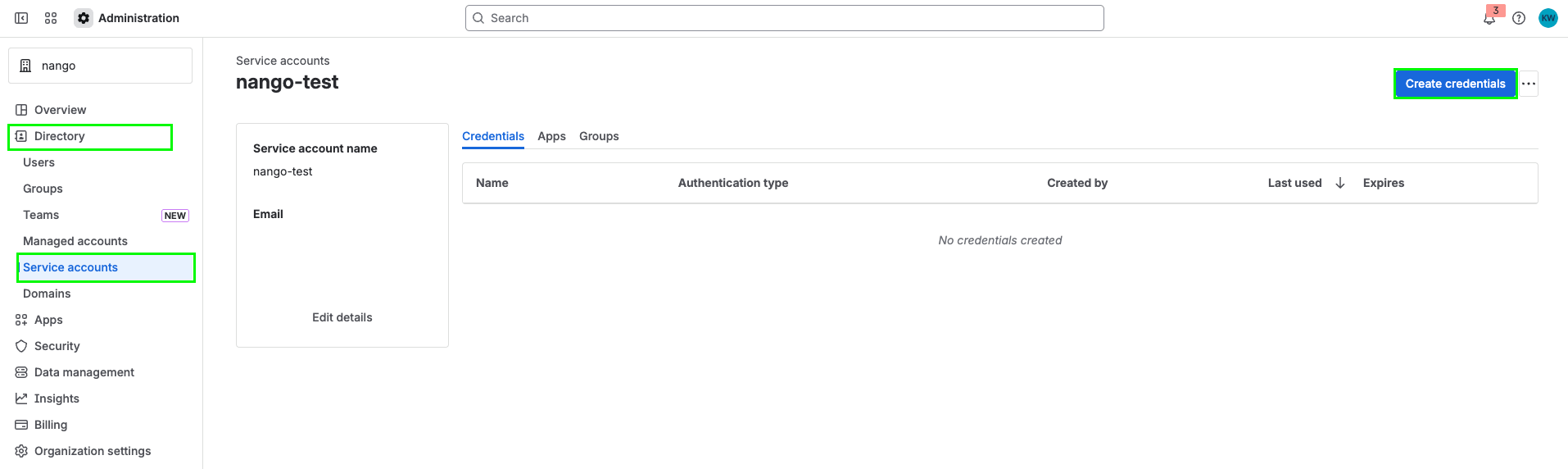
The service account email will be displayed in the service account details. It typically follows the format bot@serviceaccount.atlassian.com or similar.
Select the service account you want to create a token for.
Select Create credentials.
Select API token, then select Next.
Give your API token a name that describes what it does. Select an expiration date for the API token (token expiration can be between 1 and 365 days). Select Next.
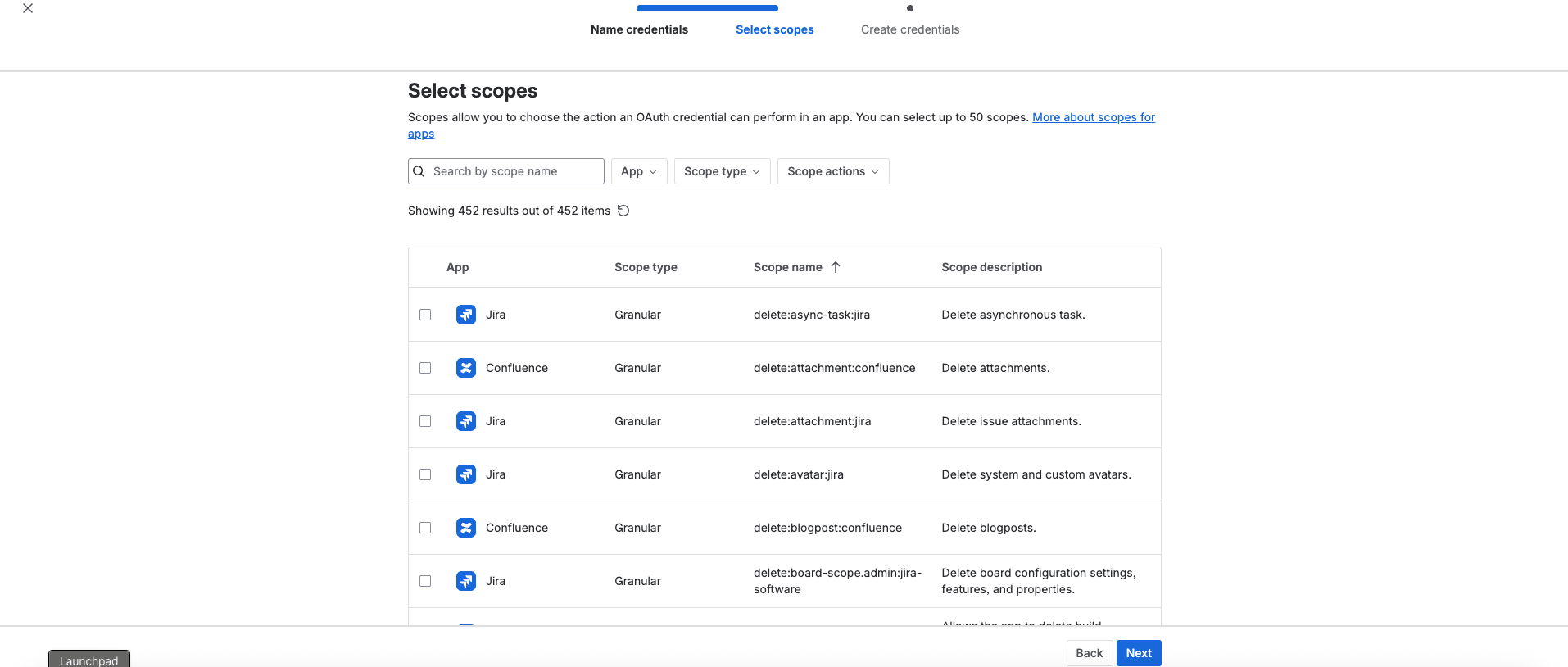
Select scopes to determine what the API token can do in Jira or Confluence. Select Next.
Review your API token, then select Create.
Select Copy to clipboard, and save it somewhere safe.
Store your API token securely. You can’t recover the API token after completing this step.