Overview
To authenticate with Granola, you will need:- API Key – Your Granola API key for authentication.
Prerequisites
- You must be on Granola’s Business or Enterprise plan (API access is not available on the Free plan). Any workspace member on a Business plan can create an API key; on Enterprise, workspace admins control which access scopes members can use.
Instructions
Step 1: Generating your Granola API key
- Open the Granola desktop app.
- Navigate to Settings → Connectors → API keys (or Workspace API keys).
- Click Create new key and choose the note access scopes the key should include (your own notes, workspace public notes, or both).
- Click Generate API Key and store it securely.
Step 2: Enter credentials in the Connect UI
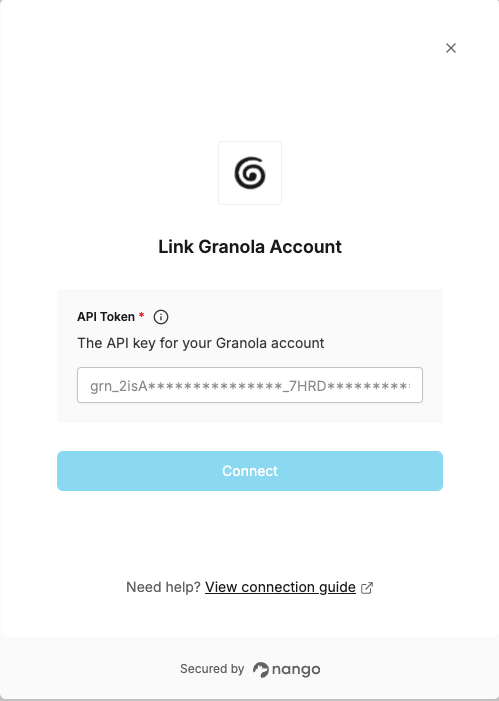
Once you have your API Key:- Open the form where you need to authenticate with Granola.
- Enter your API Key in the respective field.
- Submit the form, and you should be successfully authenticated.